
Coming soon · Launch window Q1 2027; exact date not announced
UpdatedKitman Boots Guide: Cleaning, Studs, and Team Upgrades
Keep your Kitman boots clean, replace missing studs, and manage gear upgrades in the demo. Learn how to prepare the team and handle urgent match requests.
Jump to
Why Boots Matter to Your Team’s Performance
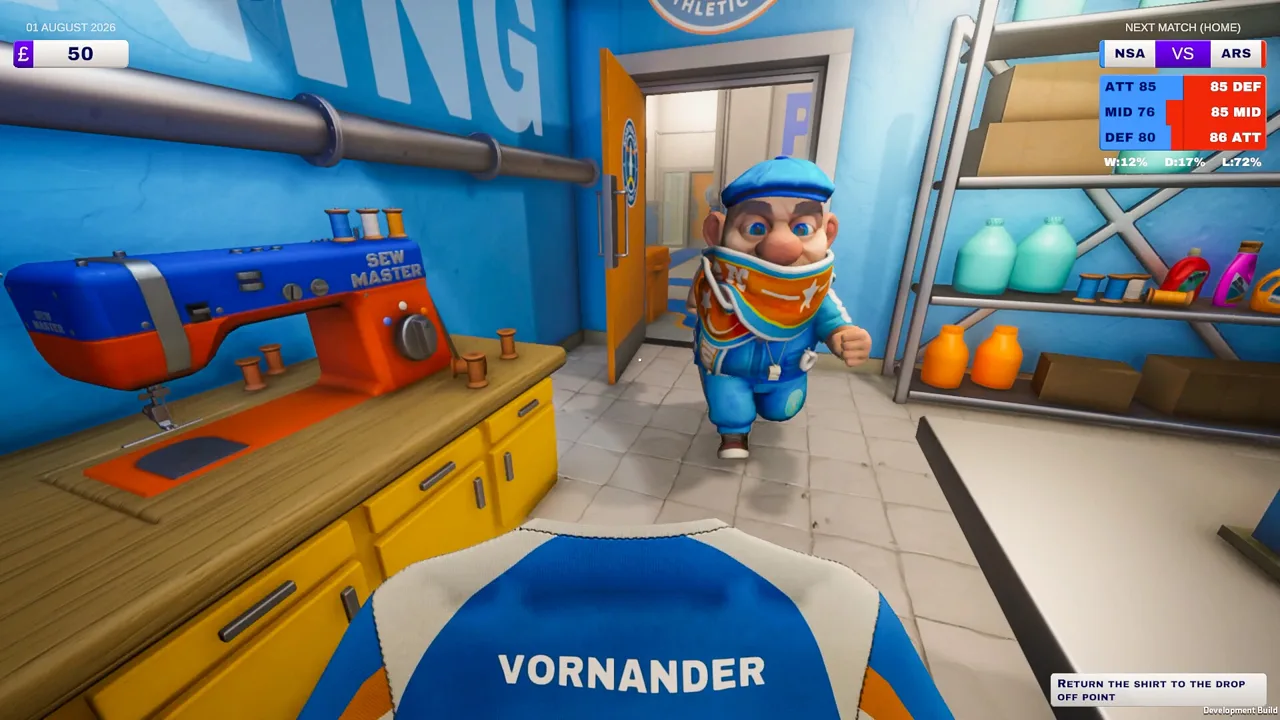
A muddy pair of cleats can drag down a player before kickoff. Kitman boots matter because equipment contributes to overall rating, helping shape your team’s attack, midfield, and defense strength. Keeping Kitman boots clean and properly equipped helps you maintain that strength while match requests pile up.
Boot maintenance sits inside a larger equipment-management loop. Every player needs a shirt, shorts, socks, and boots to play. Their overall rating also takes raw skill, stamina, and morale into account, so even an upgraded pair of boots is only part of getting someone ready.
This guide covers the Steam demo released on October 8, 2026. Its opening matches introduce cleaning, stud attachment, equipment upgrades, and the urgent requests that make the locker room hectic.
| Rating factor | What it represents | What to check before kickoff |
|---|---|---|
| Raw skill | The player’s underlying ability | Consider it alongside the rest of their rating |
| Equipment | The kit assigned to the player | Check required items, dirt, and condition |
| Stamina | The player’s available energy | Address tired players with available drinks |
| Morale | The player’s mood | Stay on top of their requests |
Before replacing equipment, inspect the whole player. A low rating can involve dirty gear, worn clothing, tiredness, or morale. Follow the visible issue rather than spending money on boots while another problem remains unresolved.
How to Clean Kitman Boots Without Missing the Dirt
Cleaning Kitman boots is a hands-on task. You need to work over the dirty areas of the footwear, so simply holding the boots near the cleaning spot can leave the job unfinished.
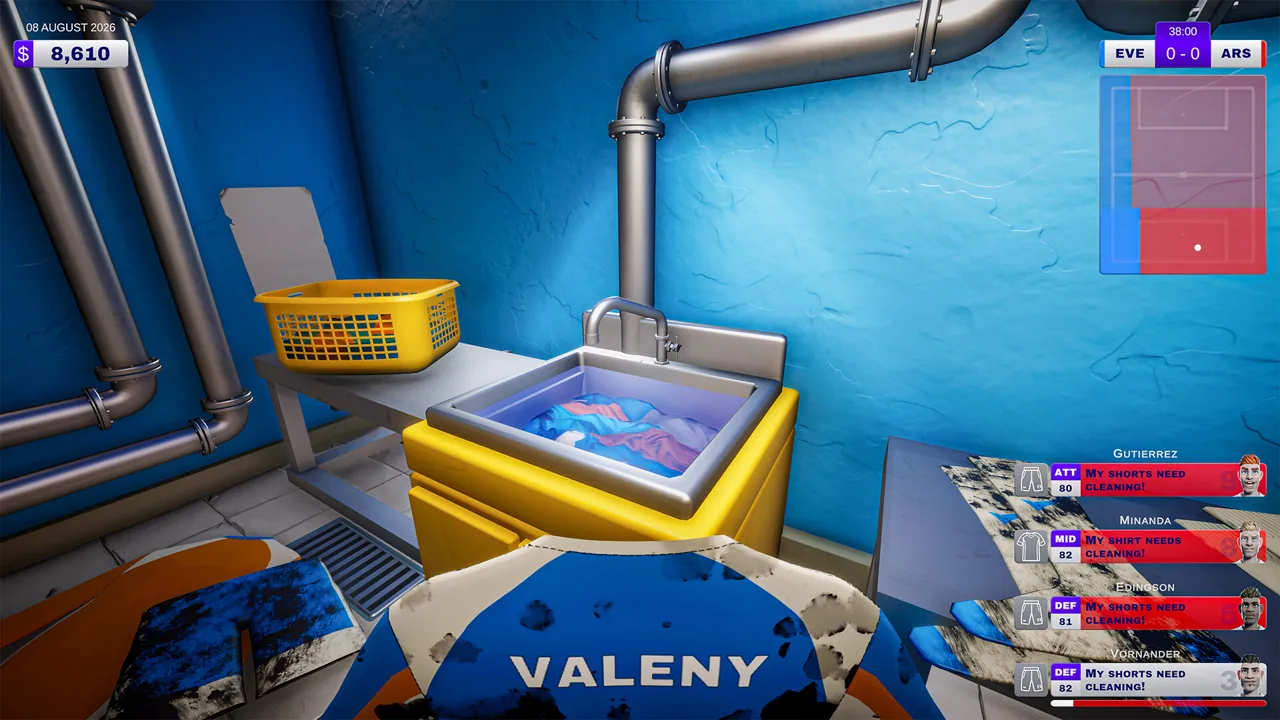 Image: Steam / Outlier
Start by identifying the correct player’s locker. Check the player information and number before picking up the pair. During a busy preparation phase, cleaning someone else’s footwear wastes time while the original task remains open.
Take the boots to the boot room and inspect them closely. Work over the mud itself, adjusting the position as needed to reach the dirty patches. Once cleaning is complete, return the pair to the correct locker.
| Step | Action | Detail to watch |
|---|---|---|
| Identify the player | Match the task to the locker’s player information | Check the number before collecting boots |
| Collect the pair | Remove that player’s existing boots | Keep track of whose equipment you are carrying |
| Clean the boots | Work directly over the dirty areas in the boot room | Moving past a patch can leave dirt behind |
| Reassign the pair | Return the cleaned boots to the player’s locker | Finish the assignment before moving on |
Dirt and Wear Need Separate Attention
The demo displays dirt in red on the equipment radial. Dirty gear loses effectiveness, and cleaning removes that dirt. Cleaning can also degrade equipment, creating a longer-term replacement decision.
A worn-out item therefore needs more attention than another quick scrub. Check condition alongside cleanliness, then replace gear that is dragging down the player’s rating.
Avoid repeatedly cleaning a pair just because the player’s overall number looks low. Inspect the dirt indicator, check the studs, and look at the player’s other equipment and stamina. Each problem requires its own response.
Before kickoff, make a deliberate pass through the lockers. Finish one player’s equipment check before moving to the next. That keeps the preparation process manageable and helps you remember which boots have already been serviced.
Attaching Studs and Handling Awkward Boot Angles
Missing studs create another maintenance task for Kitman boots. Cleaning the surface does not complete a request to attach studs; read the task carefully before taking the footwear to the work area.
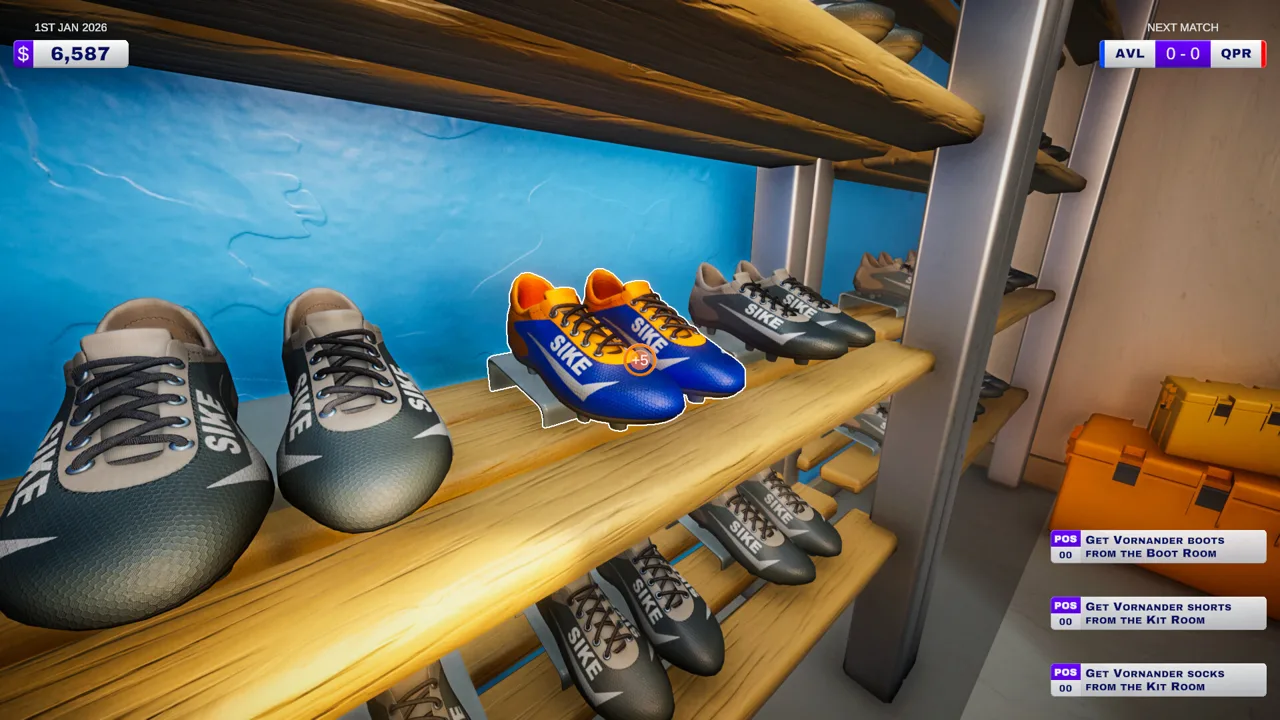 Image: Steam / Outlier
The demo’s keyboard controls use A and D to rotate boots during stud work. Rotate the pair until the attachment point is accessible, then align the stud with the required position.
If the interaction feels awkward, adjust the boot angle before continuing. The orientation matters, especially when the sole is difficult to reach.
Keep replacement studs stocked through the kit room shop. They belong in the same operating budget as detergent and sewing thread: supplies that let you finish requests when they arrive.
| Boot issue | Required response | What to inspect |
|---|---|---|
| Visible dirt | Clean the affected areas | Red dirt indication on the equipment radial |
| Missing stud | Attach a replacement stud | The request text and attachment position |
| Poor equipment condition | Check whether replacement is needed | Condition and the item’s contribution to rating |
| Missing footwear | Assign a pair of boots | The player’s required equipment |
Prepare the Work Area Before the Match
Learn the route between the locker room, boot room, and pitch collection point during preparation. Once requests start arriving, finding the right room becomes part of the challenge.
Keep track of available studs before kickoff rather than discovering an empty supply during an urgent task. The shop also sells the other consumables needed to maintain the squad, so include them in the same stock check.
A boot stud drill appears among the demo’s equipment reward choices. Consider that option when repeated stud tasks are becoming a problem in your match routine. Match your equipment choices to the work you are struggling to complete.
Managing Boot Requests During Live Matches
During the demo’s real-time home matches, player requests arrive while the game continues. For equipment jobs, collect the player’s existing item from the collection point beside the pitch, complete the work, and return it to the drop-off point.
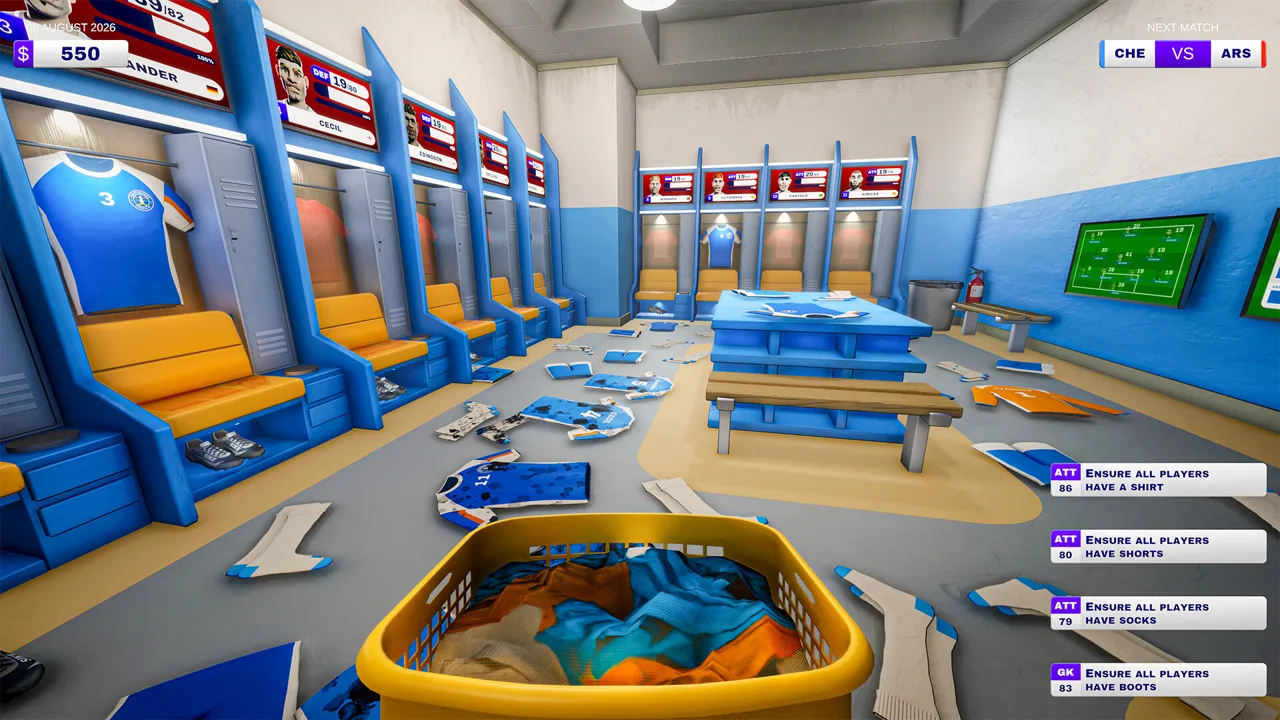 Image: Steam / Outlier
That return trip matters. A cleaned or repaired item still needs to reach the player before the request is finished.
Kitman boots become part of a queue that can also include torn shirts, dirty socks, numbered training bibs, and match balls. Read each request before choosing a room or tool. Under pressure, grabbing footwear for the wrong player or cleaning a pair that needs studs creates extra work.
| Request color | Effect of completing it | Consequence of missing it |
|---|---|---|
| Red | Resolves an urgent player problem | The player leaves the field until the task is finished; late handling can also lead to a booking |
| Blue | Gives a temporary attack, midfield, or defense boost | Missing it carries no penalty |
Prioritize red requests, particularly those involving players who have already received a yellow card. The demo warns that missing a red request’s timer can lead to a time-wasting booking. Two yellow cards remove the player for the rest of the match.
An unresolved urgent request also reduces your team’s attack, midfield, or defense strength while the player is off the field. Handling equipment quickly therefore affects the match beyond simply clearing the task list.
Finish Each Job Through Delivery
Use a consistent sequence:
- Read the request and identify the player.
- Collect the correct item from the pitch collection point.
- Take it to the appropriate room.
- Complete the requested cleaning, repair, or stud work.
- Return it to the pitch drop-off point.
Check the request text again if the item looks clean but the task remains unfinished. Boot maintenance includes more than dirt removal.
Handle optional blue requests when the urgent workload allows it. Their temporary boosts give you another way to support the team, but keep the red timers in view while working.
Requests also affect morale, adding another reason to stay organized. Keep moving through complete jobs rather than leaving several pieces of equipment halfway through maintenance.
Upgrading Kitman Boots and Protecting Your Budget
Higher-quality kit can improve a player’s equipment contribution. The demo includes a pair of boots displaying a +5 bonus, alongside footwear displaying no bonus. Check the actual item value when choosing a replacement.
Use that comparison to evaluate an upgrade, then inspect the receiving player’s complete kit. Quality equipment still sits alongside stamina, morale, raw skill, and the condition of other items.
Before assigning new Kitman boots, remove the existing pair from the locker and put the replacement in its place. Check that the intended footwear is actually assigned before moving on.
The team panel helps you decide where to direct limited upgrades. It shows current attack, midfield, and defense strength, plus the maximum strength available with the existing lineup. Compare those sections before distributing new gear.
If defense is your weak area, direct suitable upgrades toward defenders. If a player’s current contribution is being held back by dirty equipment or low stamina, address those problems during preparation too.
Reserve Money for Maintenance Supplies
After matches, you earn spending money based on performance, and completing more requests means better pay. The kit room shop lets you buy replacement equipment and supplies. Playing more matches also unlocks better-quality kit, additional items, and brands.
Keep part of your budget available for:
- Boot studs for footwear maintenance.
- Detergent for laundry tasks.
- Sewing thread for torn clothing.
- Replacement gear for worn-out items.
Spending everything on upgrades can leave you short of the supplies required to finish the next set of requests. Check consumables before committing the remaining money to new kit.
Equipment rewards and facility upgrades add another layer to club management. The demo includes unlockable washing machines, electric ball pumps, and vending machines. Choose upgrades around the tasks occupying your attention, then keep their related supplies ready.
Finish the day by cleaning up the workspace and retreating to the janitor’s closet before the players return. Cleanup charges and manager fines reduce the money available for future equipment.
For online co-op, divide responsibilities among the available players. The demo supports solo play or up to four players total. Assign someone to footwear, someone to clothing, and someone to deliveries when your group has enough people, then communicate which requests are being handled.
You can try the opening story and early league matches through the Kitman Steam page. Use those matches to practice the full boot-maintenance routine, from identifying the player to returning the finished pair.
FAQ
How do you clean Kitman boots?
Collect the correct player’s boots, take them to the boot room, and work directly over the dirty areas. Check the dirt indication, then return the cleaned pair to that player’s locker. During a live match request, return serviced equipment to the pitch drop-off point.
How do you rotate boots when attaching studs?
In the Steam demo’s keyboard controls, use A and D to rotate boots during stud work. Adjust the angle until you can align the replacement stud with its attachment position.
Do upgraded boots improve a player’s rating?
Equipment contributes to overall rating, and the demo includes boots displaying a +5 bonus. Check each item’s value and condition alongside the player’s raw skill, stamina, morale, and remaining kit.
Can you manage boots with friends in the demo?
Yes. The demo supports solo play and online co-op with up to three friends, for four players total. Split maintenance and delivery duties to share the workload during matches.
Continue with
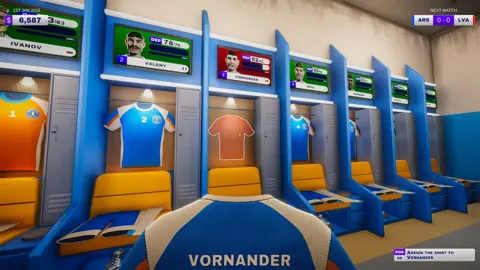 Kitman Football Club Management: Complete Demo GuideMaster Kitman football club management with tips for gear, player stamina, urgent requests, tactics, and upgrades. Get locker room ready for match day.
More in Club Management
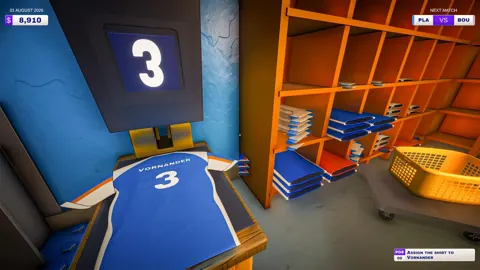
Kitman Formation Guide: Unlock Tactics and Build Wins
Master Kitman formation planning, unlock the manager's office, and improve your lineup with practical tips for team ratings, gear, stamina, and match day.
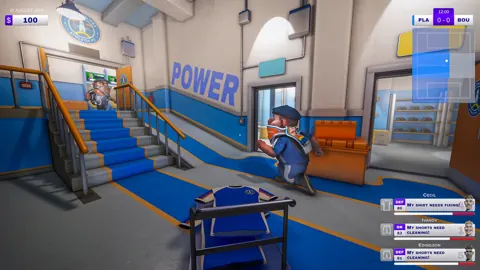
Kitman Locker Room Guide: Gear, Requests, and Upgrades
Master the Kitman locker room with tips for gear prep, urgent requests, player stamina, and upgrades. Keep your squad ready from kickoff to final whistle.
Join the community
Official channels for news, updates and player help: