
Coming soon · Launch window Q1 2027; exact date not announced
UpdatedKitman Demo: Steam Download, Co-Op, and Starter Tips
Play the free Kitman demo on Steam for Windows. Explore solo and online co-op, learn locker room tasks, and get ready for your opening league matches.
Jump to

Kitman Demo Download and Supported Platforms
A torn jersey can become your problem long before the final whistle in the Kitman demo. Keeping a soccer club ready to compete means handling laundry, damaged equipment, player needs, and the mess everyone else leaves behind. The Kitman demo lets you tackle that workload for free on Windows, either solo or with up to three friends in online co-op.
Developed by Outlier and published by Daedalic Entertainment, Kitman puts you in charge of the stadium’s backrooms. Your work connects the equipment room to the team’s performance: players need clean uniforms, usable cleats, and attention to their fitness before they can focus on the match.
Here are the essential details before you download:
| Detail | Kitman demo |
|---|---|
| Price | Free |
| Demo release date | October 8, 2026 |
| Download platform | Steam |
| Supported operating system | Windows |
| Player count | 1–4 |
| Multiplayer mode | Online co-op |
| Minimum OS | Windows 10 |
| Required storage | 2 GB available space |
Open the Kitman demo Steam page to download the trial. The demo has its own Steam entry, separate from the full game.
Windows is the supported PC platform. Native macOS and Linux versions are absent from the supported platform list. For a Windows setup, check your operating system and available storage before installing.
The full game is scheduled for Q1 2027, while the demo is already available. Keep that distinction in mind when browsing Steam: you can try the opening portion now and add the full Kitman game to your Steam wishlist for its upcoming release.
What You Can Play in the Demo
The Kitman demo includes the story introduction and the opening few matches of a league season. You can customize your club, equip the squad, and begin upgrading the facilities that support your daily work.
 Image: YouTube / IGN
Everything takes place in a single environment. That gives you a defined space to learn while the opening matches introduce the responsibilities of running the locker room. Your early progress includes access to equipment such as washing machines, electric ball pumps, and vending machines.
| Included content | What you can do |
|---|---|
| Story introduction | Begin your role at the club |
| Opening league matches | Prepare the squad and respond to match-day problems |
| Club customization | Customize your club before taking on the season |
| Team equipment | Outfit players with the clothing and cleats they need |
| Unlockable facilities | Gain access to washing machines, electric ball pumps, and vending machines |
| Manager’s office | Adjust team tactics and formation |
| Solo and online co-op | Handle the workload alone or with up to three friends |
The manager’s office adds another responsibility beyond equipment care. Once you gain access, you can interfere with the team’s tactical setup and formation. That makes your role broader than keeping shirts clean: you also get a chance to influence how the squad approaches a match.
Kitman’s larger club-building journey involves rising from amateur competition toward the big leagues, scouting talent, and improving your facilities. For the demo, focus on the introductory story, early fixtures, and equipment upgrades included in its opening section.
Use those matches to learn the relationship between preparation and performance. Pay attention to what players request, how their equipment deteriorates, and which facilities handle each problem. Those details give every trip through the backrooms a purpose.
Get the Locker Room Ready Before Kickoff
Each player needs a shirt, shorts, socks, and cleats to play. Assigning the correct clothing to the correct locker is part of getting the squad ready, and clean uniforms help maintain player morale.
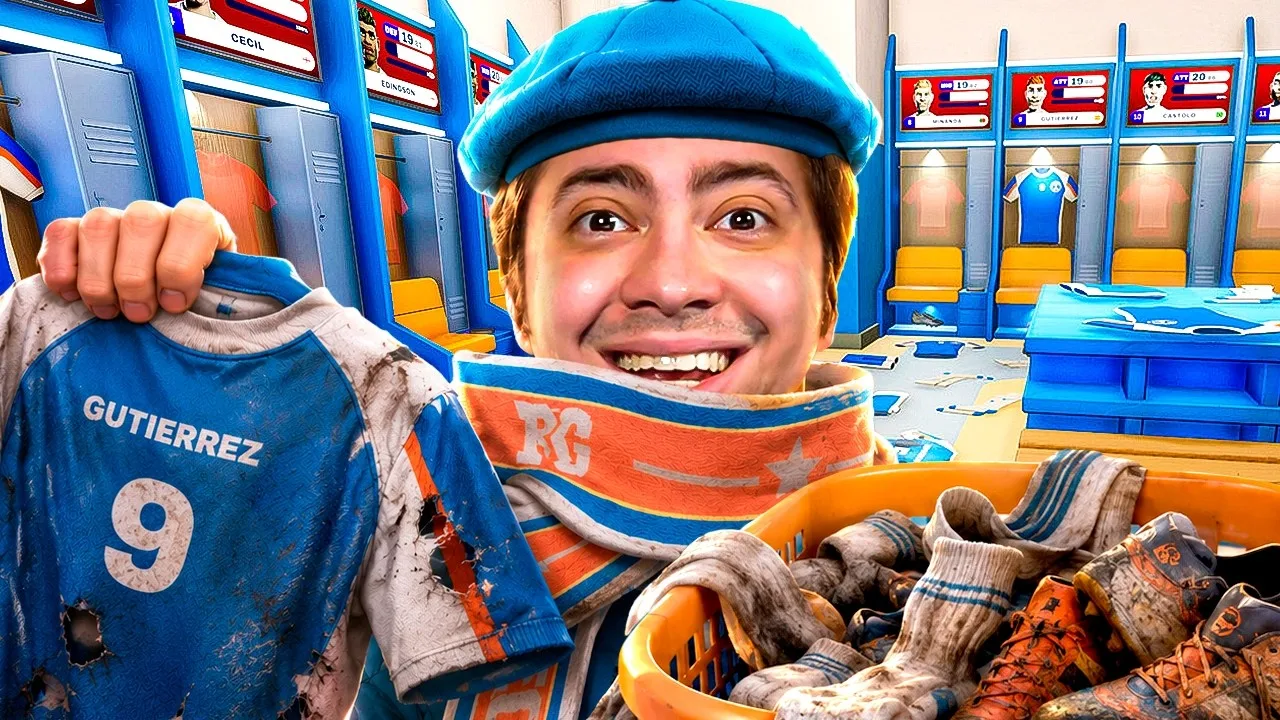 Image: YouTube / alanzoka
Players also have individual preferences involving clothing, food, and other items. Read their needs carefully instead of assuming that one player’s requirements apply to the entire squad.
The Kitman demo combines several equipment and housekeeping jobs:
| Task | What needs attention | Preparation tip |
|---|---|---|
| Outfit players | Shirts, shorts, socks, and cleats | Check each player’s locker for a complete outfit |
| Handle laundry | Dirty uniforms and socks | Locate the washing facilities before match-day requests arrive |
| Repair clothing | Torn shirts and shorts | Learn where to take damaged garments |
| Clean footwear | Dirty soccer cleats | Check footwear alongside the rest of the uniform |
| Supply refreshments | Food, drinks, and player preferences | Match supplies to the player’s needs |
| Maintain the backrooms | Floors and bathrooms | Include cleaning in your preparation routine |
Learn Where Each Job Happens
Locate the kit room, player lockers, laundry area, repair station, and refreshment facilities as you encounter them. Remember which destination solves which problem.
A dirty pair of socks and ripped shorts require different jobs. Identify the condition of the item before carrying it across the room. Finding the right station is only useful when you have brought the equipment that belongs there.
Check player names and jersey numbers when sorting clothing. The game asks you to assign equipment to individual lockers, so keep the intended recipient in mind while collecting and returning items.
Check the Entire Outfit
Inspect all four clothing and footwear requirements together. A clean shirt covers only part of a player’s needs; shorts, socks, and cleats also belong in the preparation check.
Keep morale in view while you work. Clean uniforms matter to the players, and individual preferences make the job more specific than simply filling every locker with whatever is nearby.
Read a player’s request before selecting an item. Use the request to guide your next task, especially when clothing and refreshments compete for your attention.
Connect Upgrades to Your Duties
As facilities become available, learn how they fit into the routine. Washing machines support laundry work, electric ball pumps handle ball inflation, and vending machines expand the equipment available in the backrooms.
Try each unlocked facility in the context of its associated job. That connects an upgrade to a practical responsibility and helps you remember where to go when the next request appears.
Handle Match-Day Problems and Player Fitness
Preparation carries into match day, when fresh requests and damaged gear keep you working. Players need replacement kit and attention to equipment problems while the team competes.
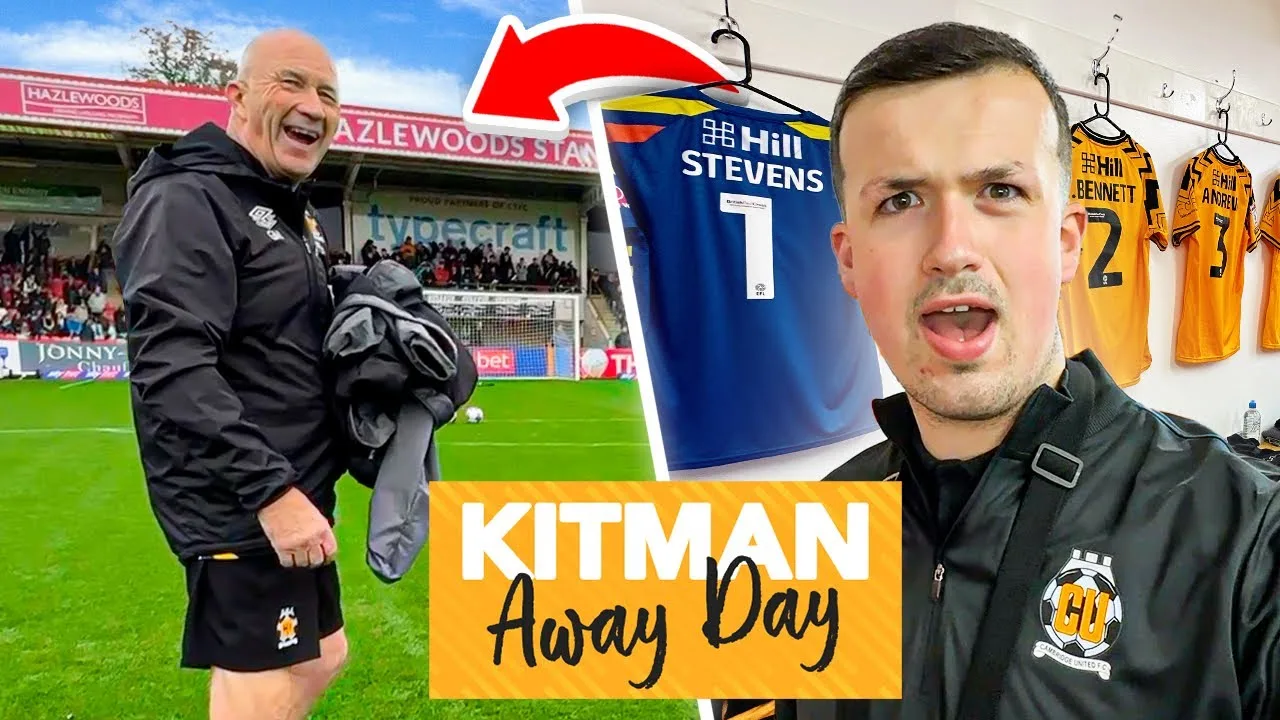 Image: YouTube / Fusion Josh
The Kitman demo includes dirty shirts, socks that need washing, and ripped shorts among its locker-room demands. These jobs can arrive while you are still handling another piece of equipment.
Respond to the specific problem in front of you. Take dirty clothing to be washed, bring torn garments to the repair area, and return the finished item to its player. Keep checking who needs what as you move between stations.
Use Food and Drinks to Support the Squad
Food and drinks can improve player stats during match preparation. Supplying refreshments to players can also raise the displayed win probability.
That change in the forecast gives you a visible connection between your backroom work and the team’s chances.
Check the current preparation objective, supply the requested food or drinks, and watch the displayed probability as player stats change. Follow each player’s preferences when choosing refreshments.
Keep that percentage alongside the equipment checklist. Supporting player fitness is part of the job, and the squad still needs clean clothing and usable cleats.
Finish Requests With the Player in Mind
Keep track of the recipient throughout a laundry or repair task. Collecting an item, fixing it, and returning it are connected parts of fulfilling that player’s request.
When you pick up a damaged garment, remember whose locker it belongs to. Check the player’s request again when you return. That helps you connect the completed work to the need that started it.
Use the manager’s office when it becomes accessible to explore tactics and formation. Compare the team setup with your preparation objectives, while continuing to handle the clothing and fitness needs that remain your responsibility.
Solo, Online Co-op, and Controller Support
You can play the Kitman demo alone or bring up to three friends into online co-op. Both options put you in the same club backrooms, dealing with equipment, player preparation, and match-day requests.
| Feature | Solo | Online co-op |
|---|---|---|
| Total players | 1 | Up to 4 |
| Workload | Handle the club’s tasks yourself | Share responsibilities with friends |
| Demo setting | One environment | One environment |
| Opening content | Story introduction and early league matches | Story introduction and early league matches |
For solo play, learn the destinations for your recurring tasks. Check what a player needs, collect the relevant item, and take it to the appropriate station. Use the opening fixtures to practice connecting requests with locations.
For co-op, agree on responsibilities before everyone starts moving equipment. Divide laundry, repairs, kit delivery, and refreshments among the group according to the current workload.
Call out the player and item when taking a job. “I’m repairing that player’s shorts” communicates more than “I’ve got it.” Tell the group when the task is complete, then check which requests still need attention.
Keep communication tied to the work in front of you. When one teammate is washing socks, another can address damaged clothing or player refreshments. Reassign duties as requests change rather than holding to a role that no longer has work.
The demo also supports controllers, including DualShock and DualSense devices. Custom volume controls and play without timed input are included among its accessibility features.
Choose your preferred input device, then use the opening tasks to get comfortable with handling equipment. Whether you play solo or in co-op, the central challenge stays the same: keep the squad supplied while the locker room keeps producing more work.
FAQ
Is the Kitman demo free?
Yes. The Kitman demo is free on Steam and was released on October 8, 2026. It includes the story introduction, the opening few league matches, club customization, and unlockable equipment within a single environment.
Can you play the demo with friends?
Yes. It supports online co-op for up to four players total, including you. You can invite up to three friends to share the workload or handle the club’s backroom duties solo.
Which platforms support the demo?
The demo is available for Windows through Steam. Its minimum requirements include Windows 10 and 2 GB of available storage. Controller support includes DualShock and DualSense devices.
When does the full version of Kitman release?
The full game is scheduled for Q1 2027. The demo lets you begin with early league matches, equip your players, unlock facilities, and gain access to tactical adjustments in the manager’s office.
Continue with
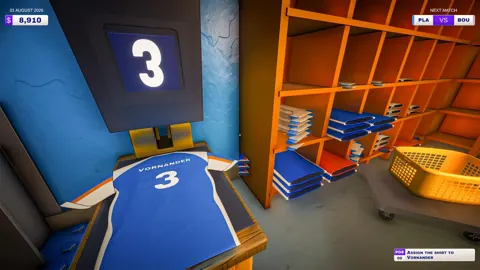 Kitman Early Access: Demo, Co-Op, and Release DetailsExplore Kitman early access, the free Steam demo, four-player online co-op, and the Q1 2027 release window. Get ready to run a club from the locker room.
More in Demo & Release
See all Demo & Release
Join the community
Official channels for news, updates and player help: