
Coming soon · Launch window Q1 2027; exact date not announced
UpdatedKitman Football Club Management: Complete Demo Guide
Master Kitman football club management with tips for gear, player stamina, urgent requests, tactics, and upgrades. Get locker room ready for match day.
Jump to
How Kitman Football Club Management Works
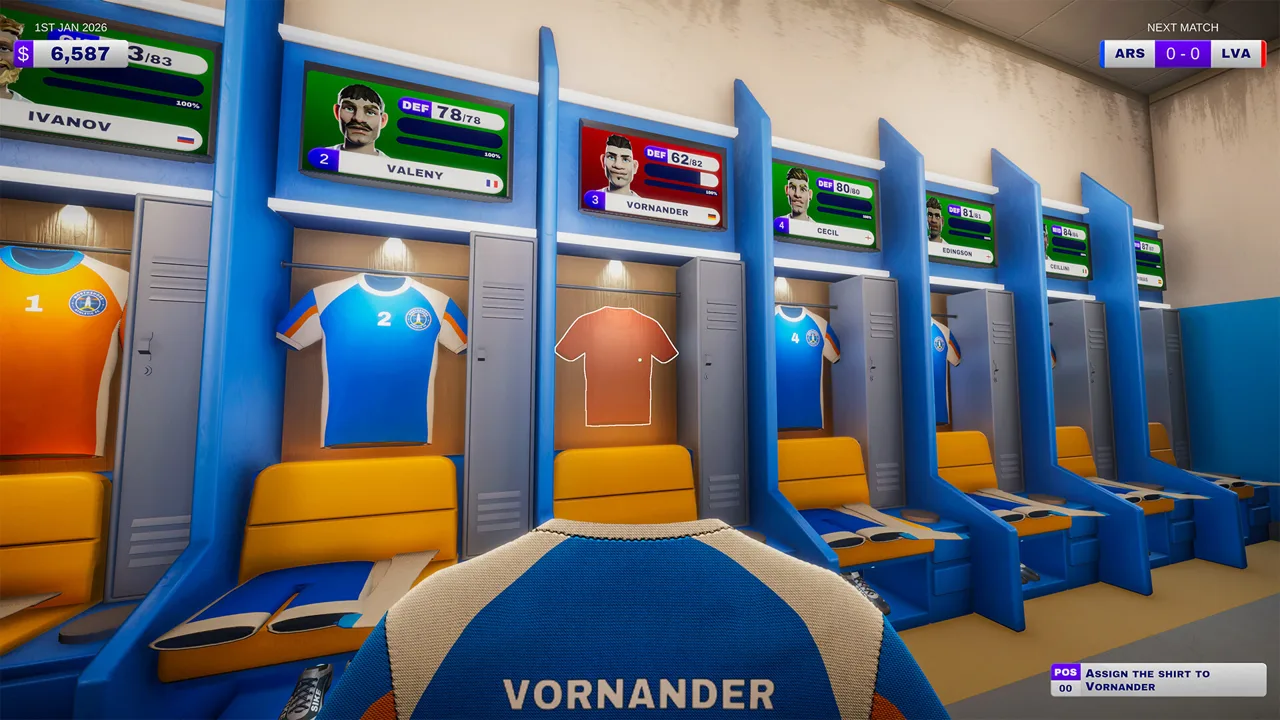
A torn jersey can become your next match-day emergency in Kitman football club management. Your work in the locker room affects player ratings, team strength, and how much pressure you face once the whistle blows. Kitman football club management puts you behind the scenes of a soccer club, where preparing equipment and answering urgent requests are part of keeping the team competitive.
You play the equipment manager, handling everything from muddy cleats to numbered jerseys. The broader goal is to take your club from amateur competition into the big leagues while upgrading the facilities that keep the squad running.
Developed by Outlier and published by Daedalic Entertainment, Kitman is scheduled for Windows on Steam in Q1 2027. The free demo launched on October 8, 2026, and includes the story introduction, the opening league matches, club customization, equipment upgrades, and access to tactical controls.
| Feature | What to expect |
|---|---|
| Players | Solo play or online co-op with up to three friends |
| Full-game release window | Q1 2027 |
| Demo release | October 8, 2026 |
| Platform | Windows |
| Demo setting | One environment with unlockable facilities |
| Management responsibilities | Equipment, fitness, supplies, tactics, and club development |
The demo's Standard mode combines tactical decisions with frequent real-time match management. Before kickoff, you prepare the squad. During home matches, you respond to problems while the team's attacking, midfield, and defensive strength influence play.
Start by learning the rooms. Finding the heat press or laundry station quickly matters when several requests arrive together.
Prepare Every Locker Before Kickoff
Kitman football club management starts with a complete uniform. Each player needs a shirt, shorts, socks, and boots to play. Missing equipment deserves attention before you spend time improving an already equipped teammate.
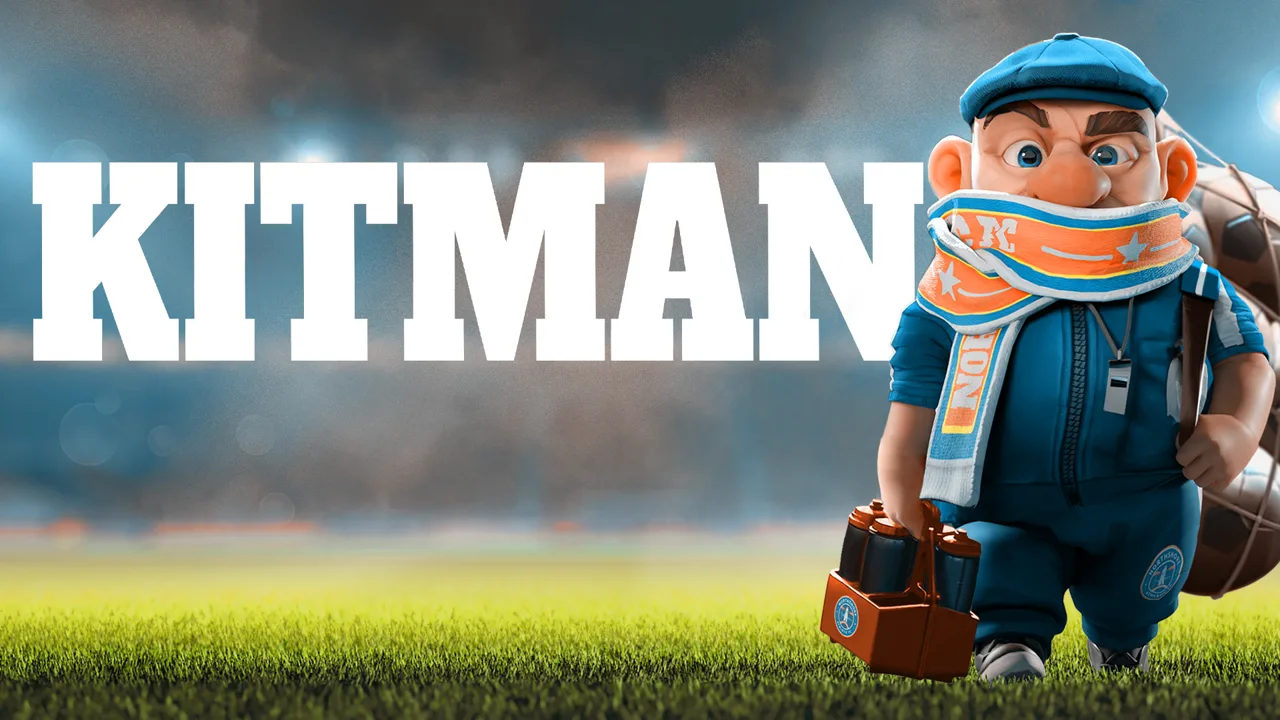 Image: www.outlier.games
Player overall ratings depend on four factors: raw skill, equipment, stamina, and morale. Some players also have traits that affect their preferences, including what they wear or eat.
| Rating factor | How it connects to preparation |
|---|---|
| Raw skill | Contributes to the player's overall rating |
| Equipment | Quality and condition affect the player's rating |
| Stamina | Contributes to readiness and team strength |
| Morale | Affects ratings and responds to how requests are handled |
| Individual traits | Can influence equipment and food preferences |
Check Completeness, Condition, and Stamina
Work through the lockers before starting a match:
- Replace missing shirts, shorts, socks, or boots.
- Inspect dirty equipment and damaged jerseys.
- Check boots for missing studs.
- Prepare numbered shirts with the heat press.
- Give tired players stamina support.
- Review attack, midfield, and defense strength before kickoff.
Use locker names and player numbers to identify the correct equipment. Cleaning another player's boots wastes time when the actual request is still waiting.
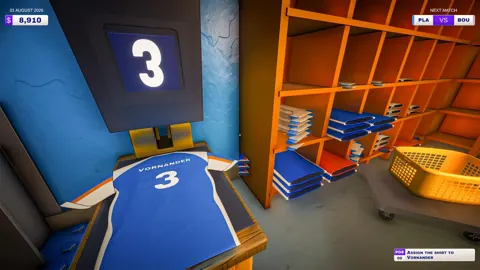
For numbered shirts, place a blank shirt on the heat press, add the required number, and complete the press interaction before hanging the shirt at its intended locker. Numbered training bibs also appear in match requests, so remember that the press serves more than the starting uniform.
Boot care requires attention to the item itself. Target dirty areas when cleaning, and rotate boots while attaching studs so you can reach the necessary positions. The demo uses A and D to rotate boots during that interaction.
Separate Dirt From Damage
Dirty gear loses effectiveness, but washing can also cause equipment to degrade. A jersey that looks cleaner can still need repair or replacement.
Inspect the problem before choosing a station. Clean dirt in the laundry area, repair torn shirts through the sewing interaction, and handle studs in the boot room. Carrying everything to the sink adds unnecessary trips.
The team panel shows current strength alongside maximum strength for the existing lineup. It also displays pre-match probabilities for winning, drawing, or losing. Use those numbers to judge readiness rather than assuming a complete uniform means every player is performing at full capacity.
Before buying upgrades, address avoidable losses from missing gear, dirt, low stamina, and poor morale. That preparation gives your Kitman football club management decisions a clearer target: improving a squad whose basic needs are already covered.
Handle Match Requests Without Losing Track of the Team
Home matches in the demo play out in real time. Your team's strength relative to the opponent determines the probability of the ball progressing up the field, while equipment problems create work behind the scenes.
 Image: YouTube / IGN
The request colors tell you how to prioritize.
| Request color | What it means | Consequence or benefit |
|---|---|---|
| Red | Urgent equipment or support request | An overdue request can force a player off the field until the job is completed |
| Blue | Optional request | Completion temporarily boosts attack, midfield, or defense; missing it carries no penalty |
Red requests also carry a disciplinary risk. If you miss the timer, the referee can book the player for time wasting. Two yellow cards send that player off for the remainder of the match.
Prioritize red requests, especially those involving a player who already has a booking. Complete blue requests when urgent jobs are under control.
Follow the Collection and Return Route
For requests involving existing equipment, collect the item at the collection point beside the pitch. Take it to the appropriate workstation, complete the task, and return it to the drop-off point before the timer expires.
For replacement requests, collect fresh equipment from the kit room instead. If a training bib needs a number, finish that step before delivering it.
Keep this sequence straight:
- Read the request and identify the player.
- Collect the existing item or retrieve a replacement.
- Complete the requested cleaning, repair, or preparation.
- Return the finished item to the drop-off point.
An item sitting beside the laundry sink still leaves the player waiting. Finish the delivery before switching your attention to another task.
Read the Request Before Picking Up Equipment
In Kitman football club management, read each request before choosing the equipment and workstation. A missing stud, torn shirt, and dirty pair of socks all need different solutions.
Check the player's number before preparing a bib. Inspect boots before cleaning them. Look for the tear when a shirt needs repair. These checks prevent a rushed trip from becoming two trips.
When requests stack up, finish urgent work before chasing optional boosts. Handling requests also affects morale, so delays can matter beyond the immediate equipment problem.
Once the final whistle blows, clean up and retreat to the janitor's closet before the players return. Leaving a mess can cost you money through cleaning charges, and failing to handle the post-match routine can trigger a fine from the manager.
Spend Match Earnings on Gear and Working Supplies
After each match, you receive spending money based on performance. Completing more requests means better pay, giving you a reason to stay organized even when the score is disappointing.
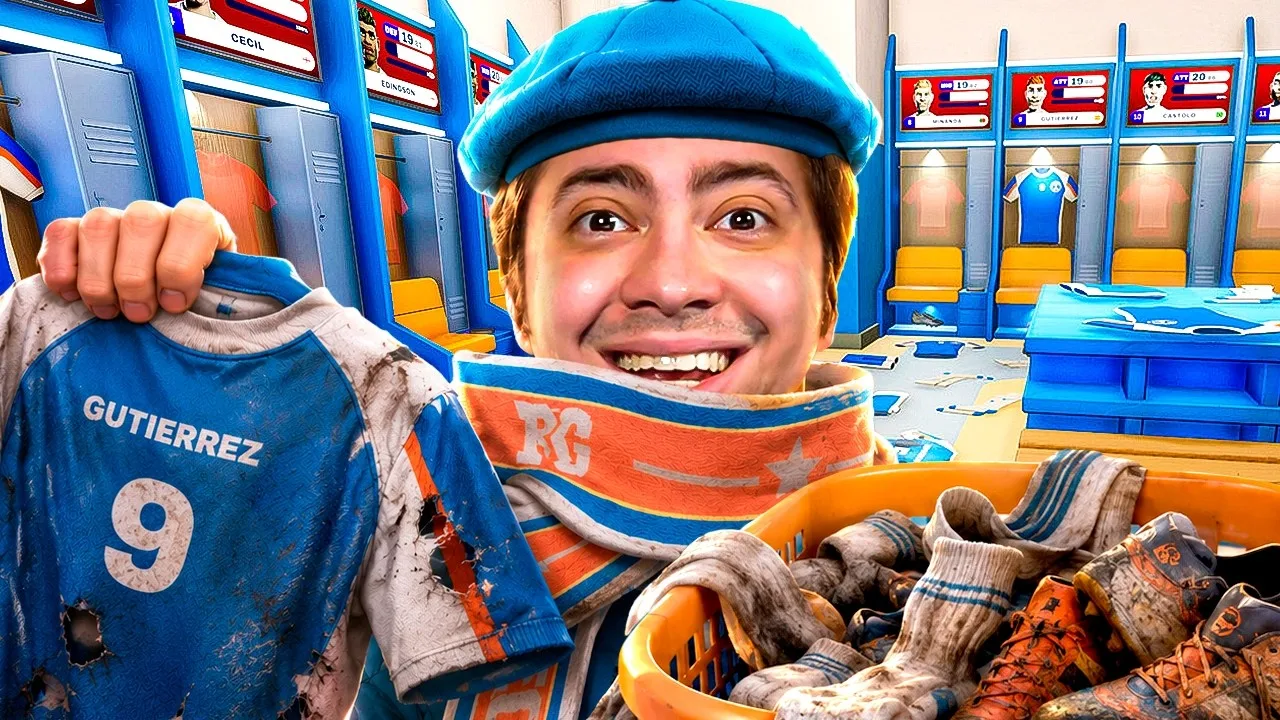 Image: YouTube / alanzoka
The kit-room computer provides access to the shop. As you play more matches, additional equipment quality levels, items, and brands become available.
Keep routine supplies in your budget. Detergent, sewing thread, and spare studs support the jobs that arrive during matches; equipment upgrades compete for that same spending money.
| Purchase or upgrade | Its role in the club |
|---|---|
| Higher-quality kit | Improves equipment contributions to player ratings |
| Detergent | Refills cleaning facilities |
| Sewing thread | Supports shirt repairs |
| Boot studs | Replaces missing studs |
| Washing machine | Adds a laundry facility |
| Electric ball pump | Provides upgraded ball-inflation equipment |
| Water cooler | Dispenses water for stamina recovery |
| Vending machine | Provides access to purchasable drinks |
Upgrade With the Team Panel in Mind
Use your attack, midfield, and defense ratings to direct equipment spending. If defense is lagging, consider giving upgraded gear to defenders rather than automatically favoring attackers.
The demo includes equipment with a +5 bonus and socks with a +2 bonus. Check the actual item before assigning it; visually similar pieces can have different benefits.
After replacing gear, revisit the team panel. Compare the change against the equipment you assigned, and make sure the intended player received it.
Avoid spending every available dollar on shirts while repair and cleaning supplies run low. Reserve money for consumables before adding another upgrade.
Choose Facilities Around Repeated Tasks
Match rewards can offer equipment and facilities that change your workload. Options encountered in the demo include a boot stud drill, an extra sink, ball-inflation improvements, and stamina-related items.
Choose upgrades around the tasks that repeatedly slow you down. If stud work consumes too much of your match time, consider the drill when offered. If laundry jobs keep interrupting other requests, consider additional cleaning facilities.
Keep the whole match cycle in view when making Kitman football club management purchases: prepare the team, answer requests, clean up, and restock. A new jersey helps its wearer, while a useful workstation supports the jobs that keep arriving.
Expand Into Tactics and Share the Workload
Your responsibilities eventually reach beyond equipment. Access to the manager's office lets you change formations and tactics, and the demo introduces substitutions from the bench.
The broader game also includes scouting new talent and choosing the starting lineup. These systems connect the work in the backrooms to the club's climb through the leagues.
Before changing tactics, prepare the players you intend to use. Formation decisions and equipment preparation both contribute to the same match, so check stamina and kit condition alongside the lineup.
Coordinate Online Co-op Jobs
Both Kitman and its demo support one to four players through solo play or online co-op. Up to three friends can join you to share the workload.
Divide responsibilities around the rooms and requests:
- Assign someone to laundry and shirt repairs.
- Have another player handle boots and studs.
- Put someone on fresh kit and heat-press tasks.
- Coordinate collection and delivery at the pitch.
Call out the player number and requested item when handing work to a teammate. Clear communication helps prevent duplicate repairs or two people preparing equipment for the same request.
Reassign jobs when urgent requests pile up. A room assignment should help the team respond, so shift attention when another station needs support.
Use the Demo to Learn the Full Match Cycle
The demo includes club customization, early league competition, unlockable facilities, and access to the manager's office. Use those opening matches to practice moving between preparation, live requests, and post-match cleanup.
For Kitman football club management, those routines connect directly: better preparation reduces avoidable problems, completed requests support the squad and increase pay, and restocking keeps the next match manageable.
Download the free Kitman demo on Steam to try that cycle solo or with friends.
FAQ
What does Kitman football club management involve?
You manage equipment, player fitness, supplies, and locker-room upkeep while responding to match-day requests. Your responsibilities expand into formations, tactics, substitutions, and scouting as you steer the club toward higher-level competition.
Can you play Kitman solo or with friends?
Yes. Kitman supports solo play and online co-op for up to four players total. The free Steam demo also lets you play alone or invite up to three friends.
What happens if you miss a red request?
In the demo's real-time home matches, an overdue red request can force the affected player off the field until you complete it. Missing the timer can also lead to a yellow card for time wasting; two yellow cards mean dismissal.
When does Kitman release, and is there a demo?
Kitman's Windows release is scheduled for Q1 2027. The free demo launched on October 8, 2026, and includes the story introduction, early league matches, club customization, equipment upgrades, and tactical controls.
Continue with
 Kitman Formation Guide: Unlock Tactics and Build WinsMaster Kitman formation planning, unlock the manager's office, and improve your lineup with practical tips for team ratings, gear, stamina, and match day.
More in Club Management
Kitman Boots Guide: Cleaning, Studs, and Team Upgrades
Keep your Kitman boots clean, replace missing studs, and manage gear upgrades in the demo. Learn how to prepare the team and handle urgent match requests.
Kitman Locker Room Guide: Gear, Requests, and Upgrades
Master the Kitman locker room with tips for gear prep, urgent requests, player stamina, and upgrades. Keep your squad ready from kickoff to final whistle.
Join the community
Official channels for news, updates and player help: