
Coming soon · Launch window Q1 2027; exact date not announced
UpdatedKitman Early Access: Demo, Co-Op, and Release Details
Explore Kitman early access, the free Steam demo, four-player online co-op, and the Q1 2027 release window. Get ready to run a club from the locker room.
Jump to
Kitman Early Access: What You Can Play Now
Your club can lose a match while you’re still trying to stitch a jersey. If you’re searching for Kitman early access, the free Steam demo lets you try the locker-room workload before the game’s scheduled Q1 2027 release. Here’s how to navigate Kitman early access, choose the right download, and prepare your team before match day turns into a laundry emergency.
Kitman has a free Windows demo released on October 8, 2026. The main game is coming to Steam in Q1 2027, which covers January through March. Outlier is developing the game, with Daedalic Entertainment publishing it.
Keep the released demo, the earlier beta playtest, and the upcoming main game separate when deciding what to play.
| Version | Release or access status | What to expect |
|---|---|---|
| Kitman Demo | Released October 8, 2026; free on Steam | Story introduction, early league matches, and online co-op |
| Earlier beta playtest | Access codes were distributed for that test | A limited build with some features unavailable, including co-op |
| Kitman main game | Scheduled for Q1 2027 | The broader club-building experience described below |
The distinction matters if you’ve heard that Kitman requires an invitation or doesn’t support multiplayer. Those details applied to the earlier beta. The October 8 demo supports solo play and online co-op with up to three friends.
For Kitman early access, start with the demo. It gives you a playable introduction to the job while the main game remains scheduled for release. Keep the main game on your Steam wishlist to follow its launch.
Platforms, Download Options, and Online Co-op
The current Kitman early access route is Steam on Windows. Both the main game and demo target Windows; native macOS and Linux support are outside the stated platform lineup.
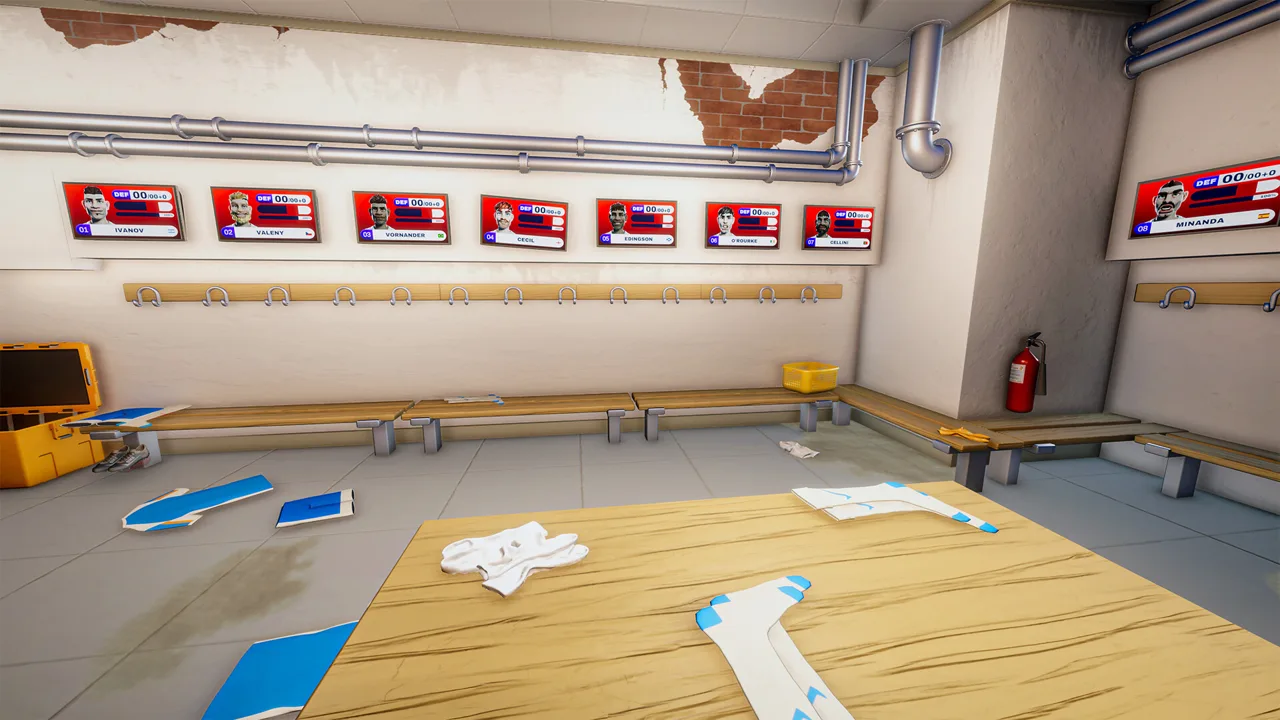 Image: Steam / Outlier
| Platform or requirement | Kitman details |
|---|---|
| Windows | Supported by the demo and upcoming main game |
| macOS | No native version in the platform lineup |
| Linux | No native version in the platform lineup |
| Minimum operating system | Windows 10 |
| Available storage | 2 GB |
| Player count | One to four players |
| Multiplayer format | Online co-op |
| Controller support | Full controller support |
Open the Kitman Steam page to find the game and its demo. Choose the demo when you want to start playing before the main game’s release.
The demo is free. Its release date belongs to the demo itself, so keep October 8, 2026, separate from the main game’s Q1 2027 window.
Playing Solo or With Friends
You can handle the backrooms alone or invite up to three friends to share the work. That makes the demo a way to try both the individual workload and a four-person crew.
Divide responsibilities around the jobs the game gives you: cleaning boots, repairing jerseys, handling laundry, and delivering equipment. Keep track of who is carrying each item so another teammate doesn’t start working on the same request.
Solo players should learn where the equipment belongs before the pace picks up. With nobody else handling the next task, knowing the route between the kit room, laundry room, and pitch tunnel becomes useful preparation.
The October 8 demo includes online co-op. Use that version when planning a session with friends, rather than relying on the earlier playtest’s solo-only feature set.
What the Kitman Demo Includes
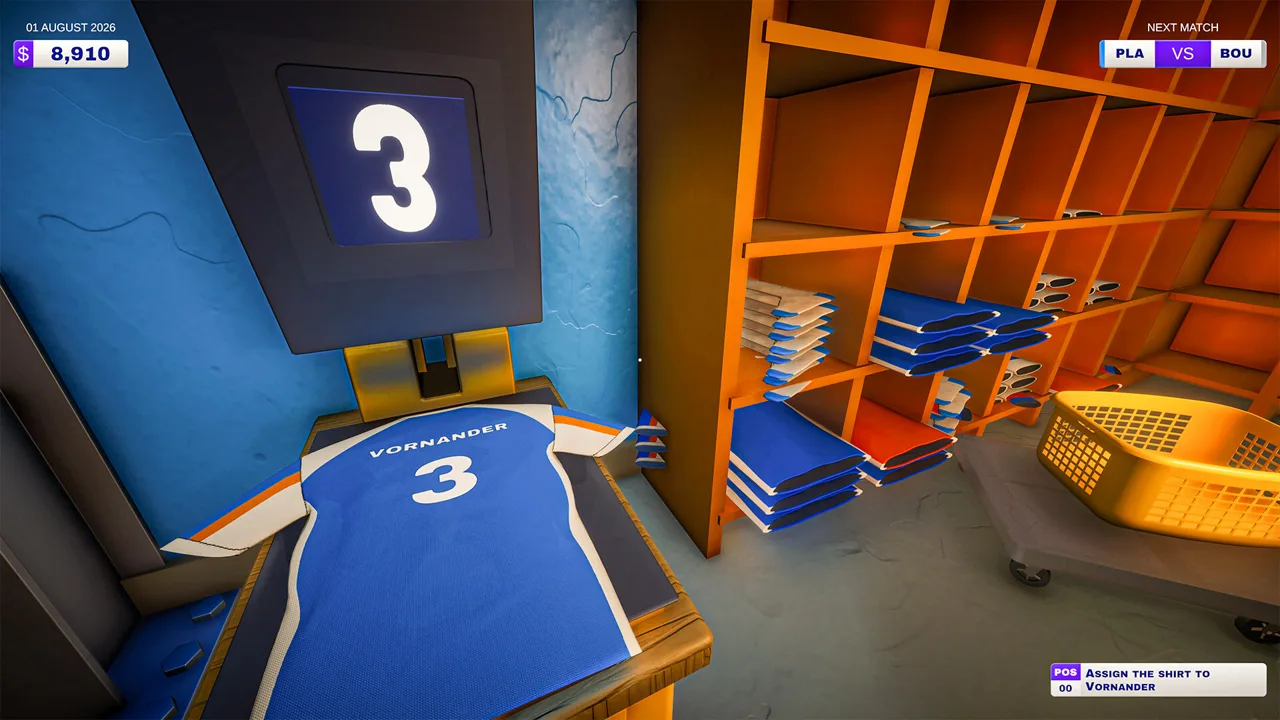
The demo makes Kitman early access useful for more than a quick look around a locker room. It includes the story introduction and the first few matches of a league season, giving you a starting point for the club’s journey.
 Image: YouTube / GameTrailers
You’ll customize the club, outfit the team, and begin upgrading equipment. Everything takes place in a single environment, with facilities to unlock as you progress.
| Demo feature | What you can do |
|---|---|
| Story introduction | Meet the setting and begin your role at the club |
| Early league matches | Start working through the league season |
| Club customization | Customize your club |
| Team equipment | Outfit players for matches |
| Unlockable facilities | Gain access to washing machines, electric ball pumps, and vending machines |
| Manager’s office | Adjust the team’s tactics and formation |
| Online co-op | Share the workload with up to three friends |
Kitman puts hands-on maintenance alongside soccer management. You’re responsible for the uniforms and cleats, but your work also reaches into player fitness, resources, tactics, and formations.
The upcoming main game’s broader features include scouting talent, choosing the starting lineup, upgrading the club, and customizing your Kitman. You can also decorate the backrooms with reminders of the club’s success.
Keep your demo goals focused on its opening matches and available facilities. Learn the maintenance jobs, try the management options in the office, and explore how equipment upgrades change your routine.
Unlock facilities as you progress, then work them into your preparation. Washing machines, pumps, and vending machines belong to the same backroom operation as the jerseys and boots; remembering where everything sits helps you move between jobs with less confusion.
The appeal is the connection between those chores and the club you’re trying to build. A repaired jersey belongs to a player, and that player belongs to a lineup you’re helping prepare.
Prepare the Locker Room Before Kickoff
Use your Kitman early access sessions to learn the equipment workflow before rushing through matches. The earlier beta playtest tied player ratings to three factors: skill, kit, and stamina.
 Image: Steam / Outlier
In that build, every player needed a shirt, shorts, socks, and boots to play. Locker displays showed player details, while the team’s attacking, midfield, and defensive ratings helped explain the matchup.
| Preparation task | Earlier beta mechanic | Tip |
|---|---|---|
| Check every locker | Players required all four basic kit items | Inspect the whole team before starting a match |
| Personalize jerseys | Numbers were applied with a heat press | Check the player’s jersey number before pressing |
| Clean boots | Dirt could reduce equipment effectiveness | Rotate the boots while cleaning to inspect every side |
| Repair clothing | Torn kit required sewing | Practice the sewing interaction before match-day requests |
| Compare equipment | Higher-quality items could improve player ratings | Check the rating change after swapping an item |
Finish the Basic Kit Check
Start with completeness. Inspect every locker for a jersey, shorts, socks, and boots before spending time comparing upgrades.
A jersey sitting beside a machine still needs to reach the player’s locker. After washing, repairing, or numbering an item, return it to the correct place and check the display again.
Keep jersey numbers separate from player ratings. The heat press uses the shirt number; copying an overall rating onto a jersey creates an avoidable distraction.
Inspect Condition and Stamina
In the beta, dirty equipment became less effective, and cleaning could permanently degrade its overall effectiveness. Higher-quality kit also demanded more maintenance and faster responses.
Compare condition alongside quality. Inspect the equipment already assigned to a player before buying a replacement, and check stamina separately from kit condition.
A complete uniform doesn’t answer every preparation question. The rating system accounts for stamina too, so finish the equipment check by looking at the player’s other details.
Upgrade Around the Matchup
The beta compared your team’s attack, midfield, and defense with the opposition. Its pre-match panel also displayed the probabilities of winning, drawing, or losing.
Use those comparisons to guide equipment changes. Inspect the weaker part of your lineup, swap suitable gear, and check whether the team rating improves.
Consumables in that build could boost ratings or stamina for a single match. Reserve them for a specific need in the upcoming fixture rather than handing them out without checking player details.
Handle Home Matches and Away Matches Differently
Match preparation is a useful habit to build during Kitman early access because the earlier beta gave home and away fixtures different workloads.
Home matches generated player requests while the game progressed. Away matches were calculated from the teams’ pre-match ratings, without player requests once the team departed.
| Match situation | Earlier beta behavior | What to prioritize |
|---|---|---|
| Before kickoff | Kit, stamina, and team ratings affected preparation | Complete locker checks and compare the lineup |
| Home match | Players requested equipment work during play | Collect, service, and return the requested item |
| Red request | Missing the deadline caused withdrawal and a time-wasting yellow card | Handle the required request promptly |
| Blue request | Optional completion provided a temporary boost | Attempt it when required work is under control |
| Away match | Results depended on pre-match ratings | Finish equipment and lineup adjustments before departure |
Follow Each Request Through to Delivery
During beta home matches, requested items arrived at a collection point beside the pitch. You then handled the task and returned the equipment to the drop-off point before the timer expired.
Follow that entire route. Collect the item, complete the requested cleaning or repair, and deliver it back. Leaving a finished shirt in the laundry room doesn’t complete the return.
Prioritize red requests when several jobs need attention. Blue requests offer a temporary benefit, but required requests carry consequences for the player and team.
Practice sewing before starting a busy match. The beta repair interaction required hands-on control, so learning it while requests accumulate adds pressure to an already crowded workload.
Finish Away-Match Preparation Before Departure
For beta away fixtures, equipment changes happened before the team left. Use that preparation period to restore missing kit, inspect stamina, and compare the team’s ratings.
Check the effects of an upgrade immediately after assigning it. That connects the equipment choice to the player and team ratings while you still have time to adjust.
For the current demo, start by learning the opening matches and its available tools. Kitman early access gives you time to become comfortable with the backrooms before the upcoming main game’s broader club progression arrives.
FAQ
Is Kitman early access available on Steam?
The playable option is the free Kitman Demo on Steam. It launched on October 8, while the main game is scheduled for Q1 2027.
Does the Kitman demo support multiplayer?
Yes. The October 8 demo supports solo play and online co-op for up to four players total. You can invite three friends to share the workload. Co-op was unavailable in the earlier beta playtest.
What platforms support Kitman?
Kitman and its demo target Windows through Steam. The minimum requirements include Windows 10 and 2 GB of available storage. Both versions include full controller support.
What can you do in the Kitman demo?
You can play the story introduction and opening league matches, customize your club, equip players, and upgrade equipment. The demo includes unlockable washing machines, electric ball pumps, and vending machines, plus access to the manager’s office for tactics and formation changes.
Continue with
 Kitman Release Date: Q1 2027 Launch, Platforms & DemoTrack the Kitman release date for Q1 2027, explore Windows PC support and four-player online co-op, and learn what you can play in the free Steam demo now.
More in Demo & Release
See all Demo & Release
Join the community
Official channels for news, updates and player help: